
Best Appointment Reminder Software for South Florida
Cara Schwartz · July 14, 2026
Empty chairs cost South Florida businesses real money. Whether you run a medspa in Boca Raton, an HVAC company in Boynton Beach, or a salon in Fort Lauderdale, a no-show is a no-pay. The right appointment reminder software fixes that automatically. Here are 10 options worth knowing about, and who each one actually fits.
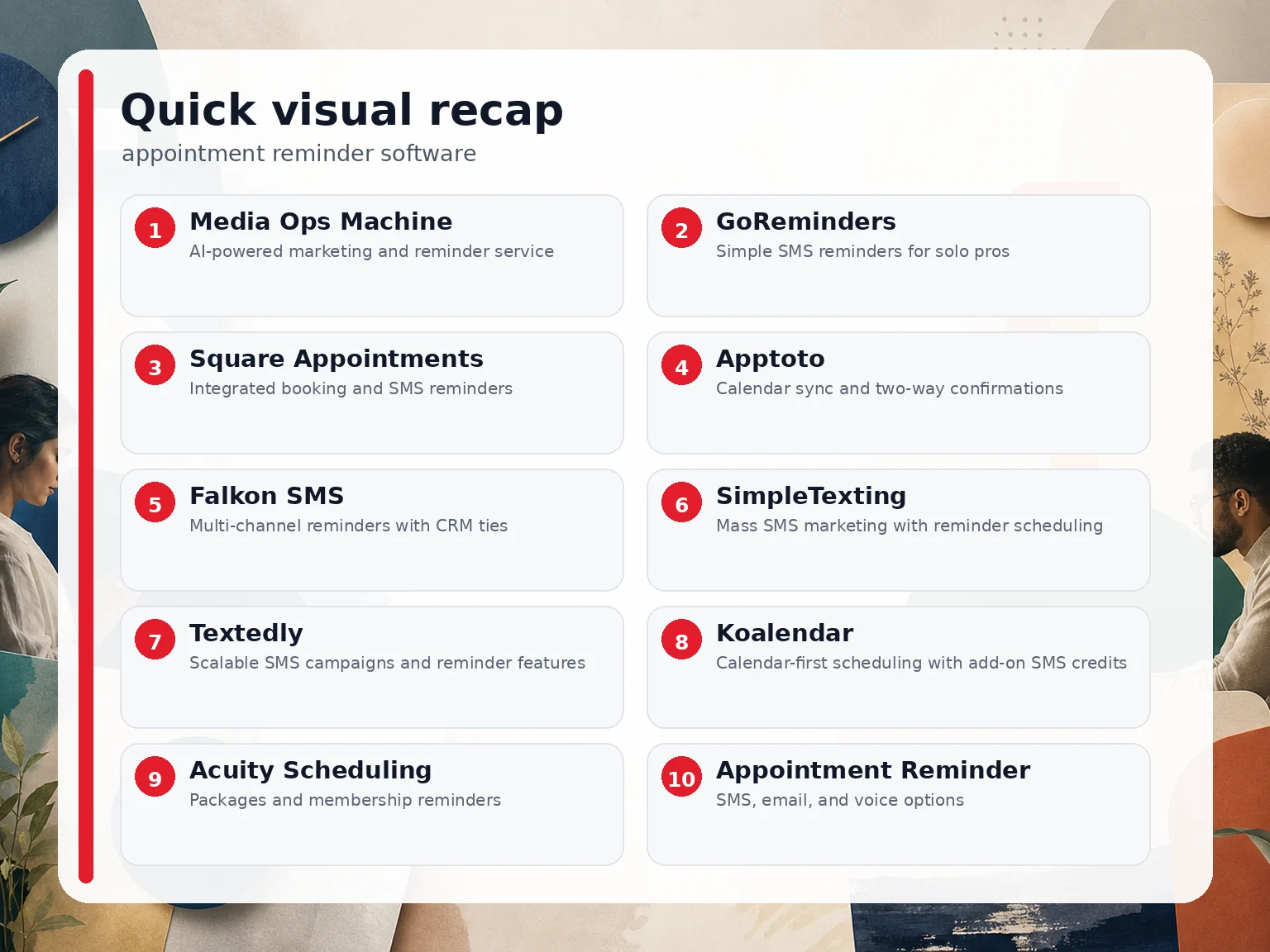
1. Media Ops Machine , AI-powered marketing and reminder service
Media Ops Machine is a Boca Raton-based marketing operation built specifically for South Florida local businesses. It's not just a reminder tool , it's a full system that captures leads, responds within 60 seconds via AI, books appointments automatically, and sends reminders across SMS and email without anyone on your staff lifting a finger.
The difference between Media Ops Machine and every other option on this list is context. Most reminder tools send a text. Media Ops Machine builds the whole pipeline: ads, AI follow‑up, booking automation, and reputation management in one place. If a lead calls your HVAC company at 9 PM and nobody answers, the system texts them back instantly, qualifies them, and puts the appointment on the calendar before your competitor even wakes up. Boca Raton HVAC companies saw the same boost when we applied this method. Our AI lead recovery system for South Florida businesses handles exactly that kind of missed‑call scenario around the clock.
This is not a fit for every business. If you just want a modest SMS tool to ping existing clients, the options below will do that. But if you're a medspa, contractor, plumber, or senior living community that's tired of guessing whether your marketing is working, Media Ops Machine is built for you. Plans start at a competitive rate, with full done‑for‑you packages available at a higher tier plus ad spend, month‑to‑month.
We've been doing this for 30 years. AI is use, not magic , and it only works when experienced people are driving it. That's the honest version of why we're at the top of this list.
2. GoReminders , Simple SMS reminders for solo pros
GoReminders is a clean, no-fuss reminder tool built for solo operators and small service businesses. It sends automatic SMS and email reminders, lets clients confirm or reschedule by replying to the text, and keeps everything in one calendar view. Setup takes about 30 seconds and requires no credit card to start the 14-day trial.
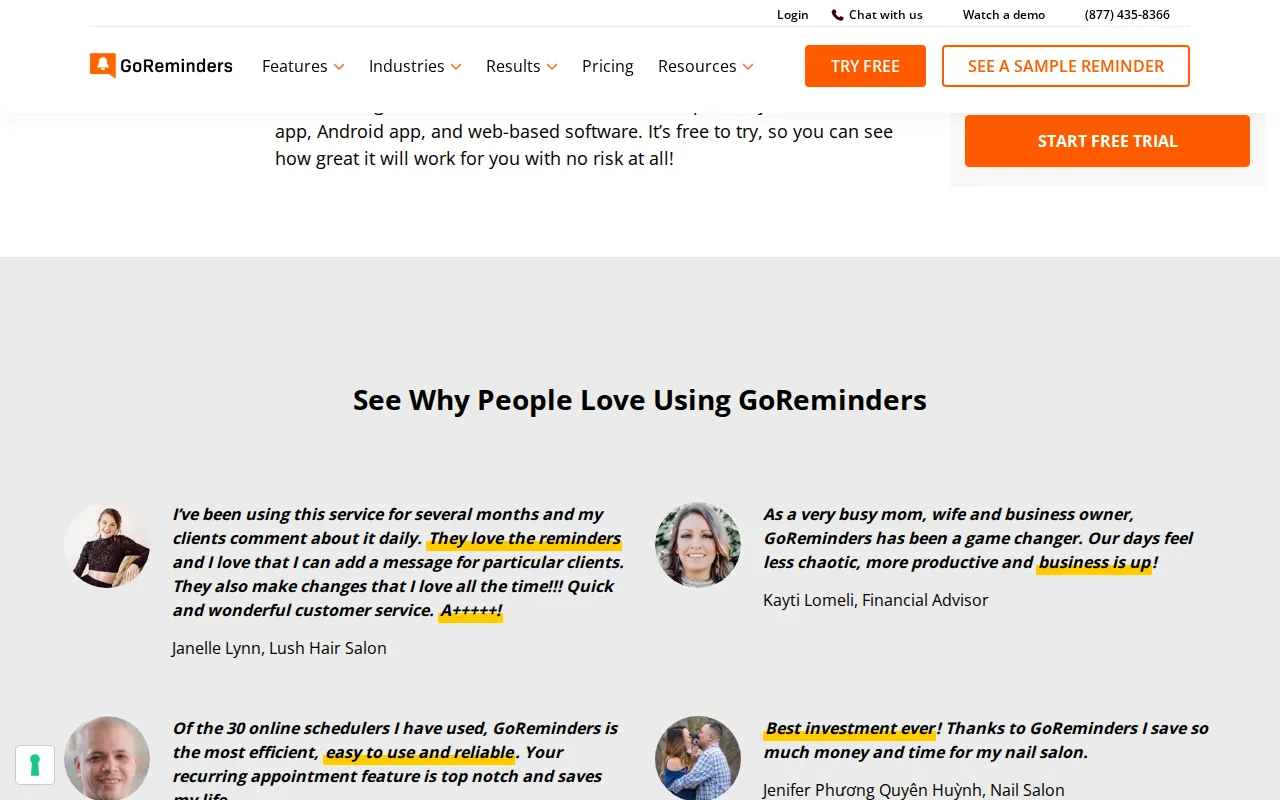
Users across industries , law firms, nail salons, driving instructors, cleaning businesses , consistently report meaningful drops in no-shows. One auto glass business noted an 80% reduction in missed appointments after switching to GoReminders. The two-way reply feature is genuinely useful: clients text back to confirm, and you see it immediately without checking a separate inbox.
The limitation is scope. GoReminders doesn't do CRM, invoicing, scheduling automation, or lead capture. It's a reminder tool, full stop. For a solo practitioner who already has a booking system and just needs clients to show up, it works well. For a growing business that needs the full picture, it's only one piece of the puzzle. Also worth noting: SMS reminders via text message remain the highest-response channel for appointment confirmations, which is why GoReminders' core focus still holds up.
3. Square Appointments , Integrated booking and SMS reminders
Square Appointments is the go-to for salons, spas, and fitness studios that already use Square for payments. The reminder system is built in , no third-party integration needed. It sends automatic SMS and email nudges, clients can confirm or reschedule directly from the message, and the calendar updates in real time. Google Calendar sync is included to block personal time and prevent double bookings.
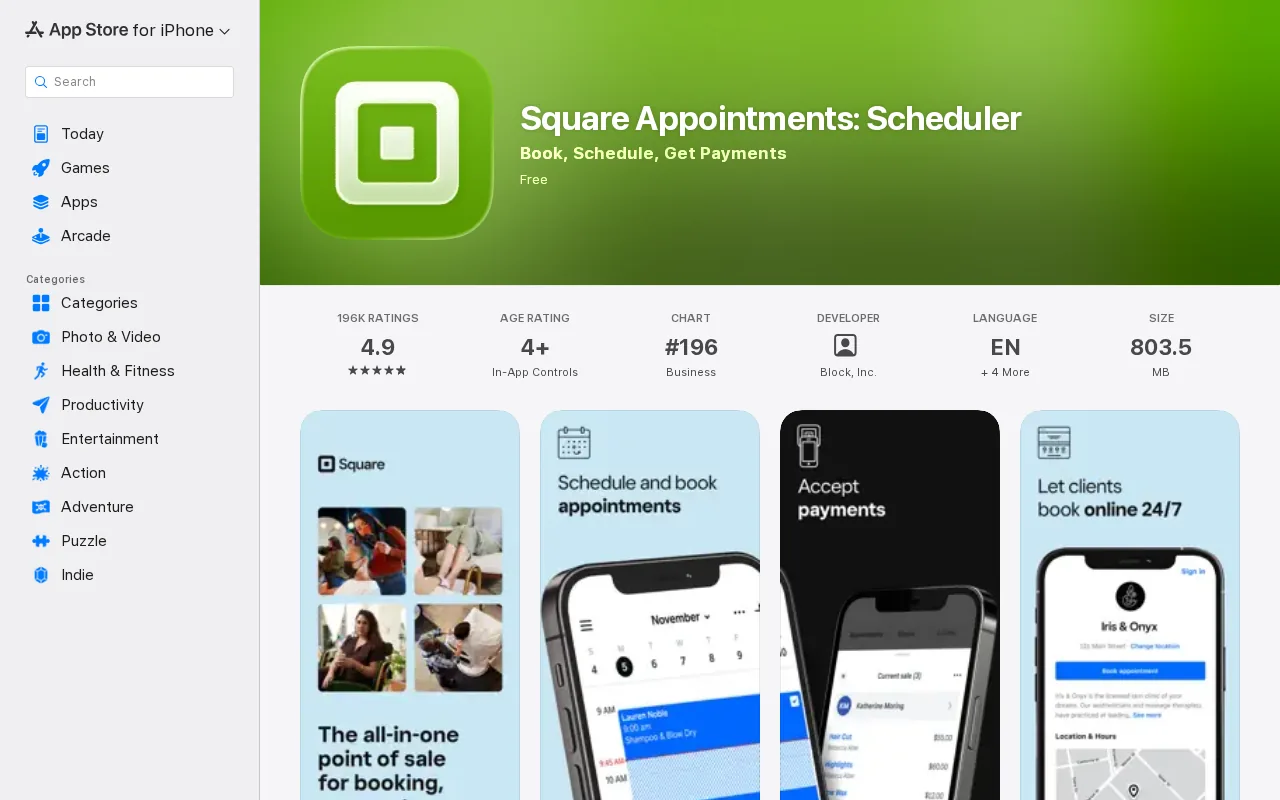
The free tier covers appointment reminders and online booking, which is rare in this market. The mid-tier plan adds cancellation policies, no-show fees, and multi-staff booking. You can require a card on file and charge it automatically for late cancellations , a feature that pays for the software quickly in high-volume shops.
Where Square falls short is outside its ecosystem. If you're not using Square for payments, the integration story gets messy. It's also not built for businesses that need lead generation or AI follow-up. Think of it as a solid operational tool for appointment-heavy retail and beauty businesses, not a marketing system.
4. Apptoto , Calendar sync and two-way confirmations
Apptoto is built for consultants, healthcare providers, and professionals who live in Google Calendar or Outlook. It reads your existing calendar events, pulls contact info from the event details, and sends SMS reminders automatically. No duplicate data entry. Clients reply to confirm or reschedule, and those responses sync back to your calendar.
The calendar-first approach is the real selling point here. If your workflow is already built around Google Calendar, Apptoto layers on top without forcing you to change how you work. Customizable message templates mean you can match your brand voice and include prep instructions or location details in the reminder itself.
It's a focused tool, not a broad platform. There's no lead capture, no marketing automation, and no CRM. For a solo therapist or financial adviser who schedules through Google Calendar and needs clients to actually show up, Apptoto is a clean fit. For a business that needs to recover missed leads or run follow-up sequences, it won't get you there.
5. Falkon SMS , Multi-channel reminders with CRM ties
Falkon SMS targets small businesses, healthcare providers, and retail operations that want SMS and email reminders connected to a CRM. It integrates with scheduling tools and CRM platforms, which means reminder data flows into your existing contact records rather than living in a silo. The free trial requires no credit card, which lowers the barrier to testing it.
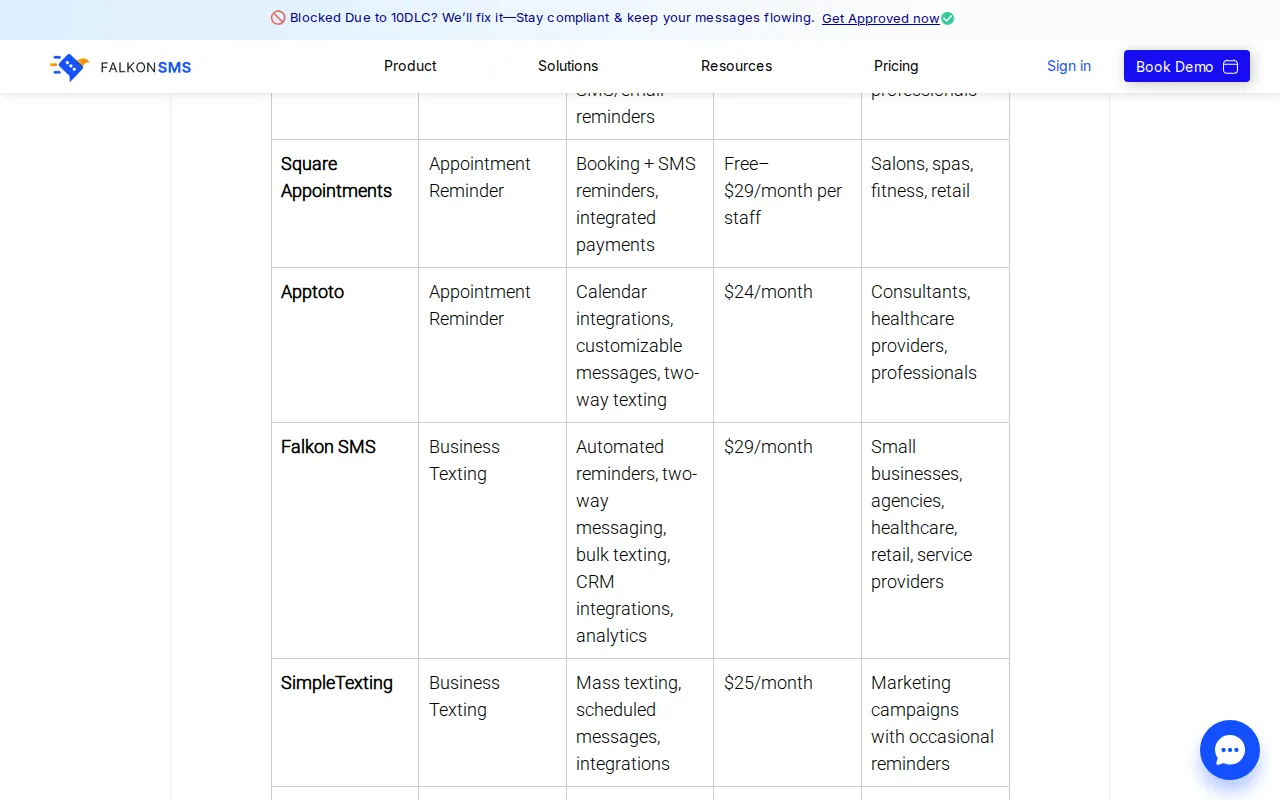
The multi-channel approach , SMS plus email , covers more ground than single-channel tools. Clients who don't respond to texts often respond to email, and having both running automatically without manual effort is a real time saver for front-desk staff.
The honest caveat: Falkon SMS doesn't include scheduling or invoicing. You'll still need a separate booking system. It also lacks review automation and the kind of lead recovery that prevents no-shows before they happen. It's a solid reminder layer for businesses that already have their booking workflow sorted and just need better client communication on top of it. For South Florida businesses that want to understand how SMS confirmation fits into a broader payment and booking workflow, this breakdown on SMS appointment confirmation and payment covers the mechanics well.
6. SimpleTexting , Mass SMS marketing with reminder scheduling
SimpleTexting is primarily an SMS marketing platform that includes scheduled message features useful for appointment reminders. If you run a business that does both bulk promotions and individual reminders , think a med spa running a monthly Botox special while also confirming individual appointments , SimpleTexting handles both from one dashboard.
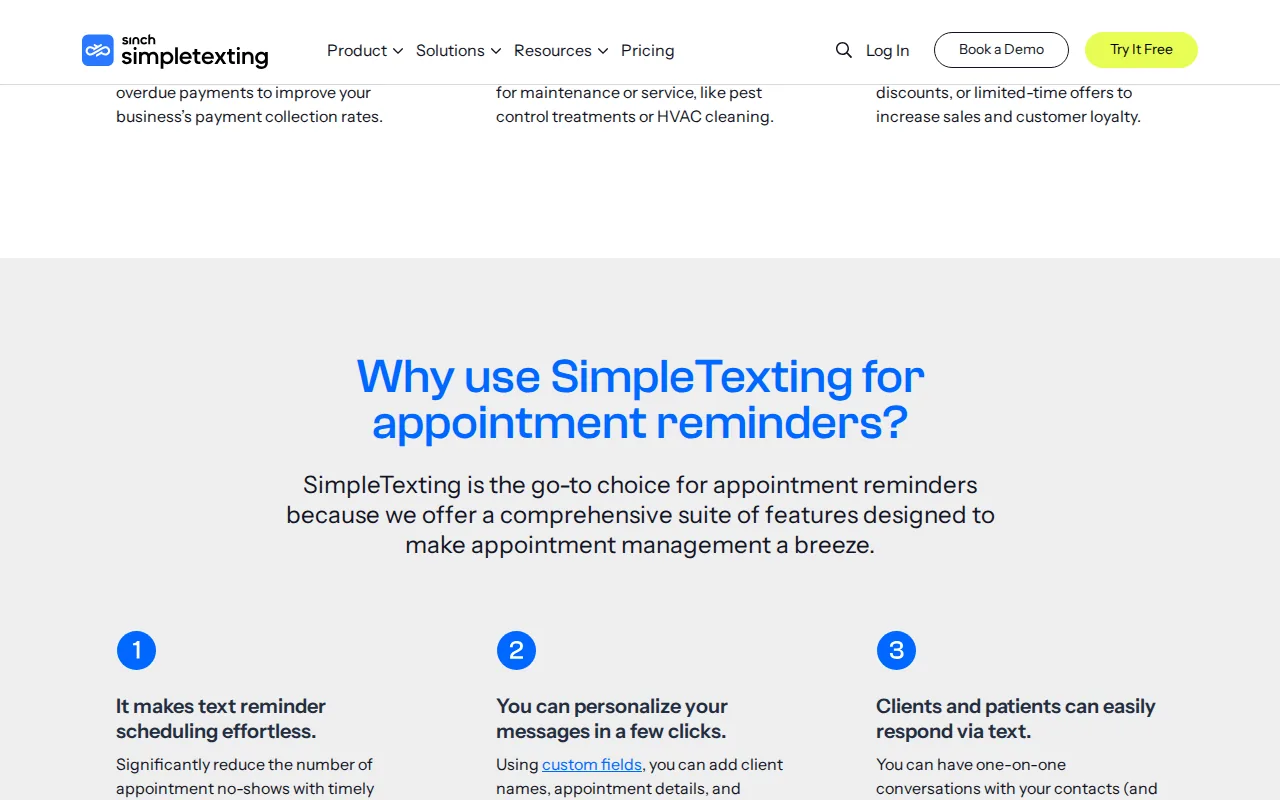
The scheduled message feature lets you set reminders to go out at specific times relative to an appointment. It's not as purpose-built for appointment workflows as some other tools here, but it's flexible enough for businesses that want to consolidate their SMS spend into one platform.
The tradeoff is that SimpleTexting is built around campaigns, not calendars. There's no native calendar sync, and two-way confirmation isn't as smooth as tools designed specifically for appointment management. Best for marketing-heavy businesses that want reminders as a secondary feature, not the core use case.
7. Textedly , Scalable SMS campaigns and reminder features
Textedly is built for volume. If you have a large contact list and need to run SMS marketing campaigns alongside appointment reminders, Textedly scales without getting complicated. The platform manages broadcast messages, scheduled reminders, and review requests from a single dashboard, which reduces the number of tools you're paying for.
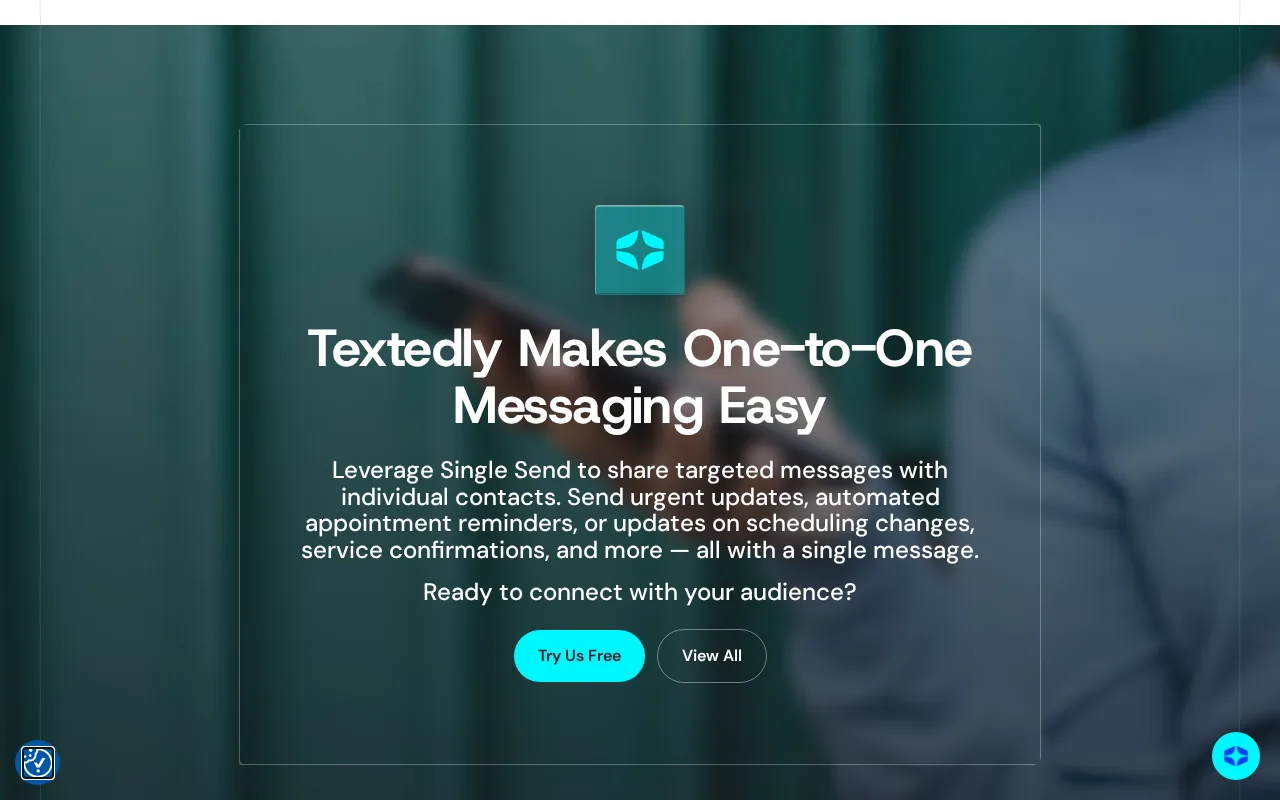
The review management angle is worth noting. Textedly lets you send review request links via text after an appointment, which can meaningfully grow your Google rating over time. For South Florida businesses competing on local search, more reviews directly affect visibility.
One user who'd been on the platform for four years noted it grows with you , pricing scales with usage rather than forcing you into enterprise tiers early. That said, Textedly is a marketing platform first. It doesn't replace a dedicated scheduling tool or a full lead recovery system. Use it when SMS marketing and reminders genuinely overlap in your business model.
8. Koalendar , Calendar-first scheduling with add-on SMS credits
Koalendar is a scheduling tool built around Google Calendar. It prevents double bookings by reading your calendar in real time, lets clients self-book through a public booking page, and sends automatic reminders. The Google Calendar integration is tight , every booked appointment appears in your calendar with full details, and cancel/reschedule links are built into the event.
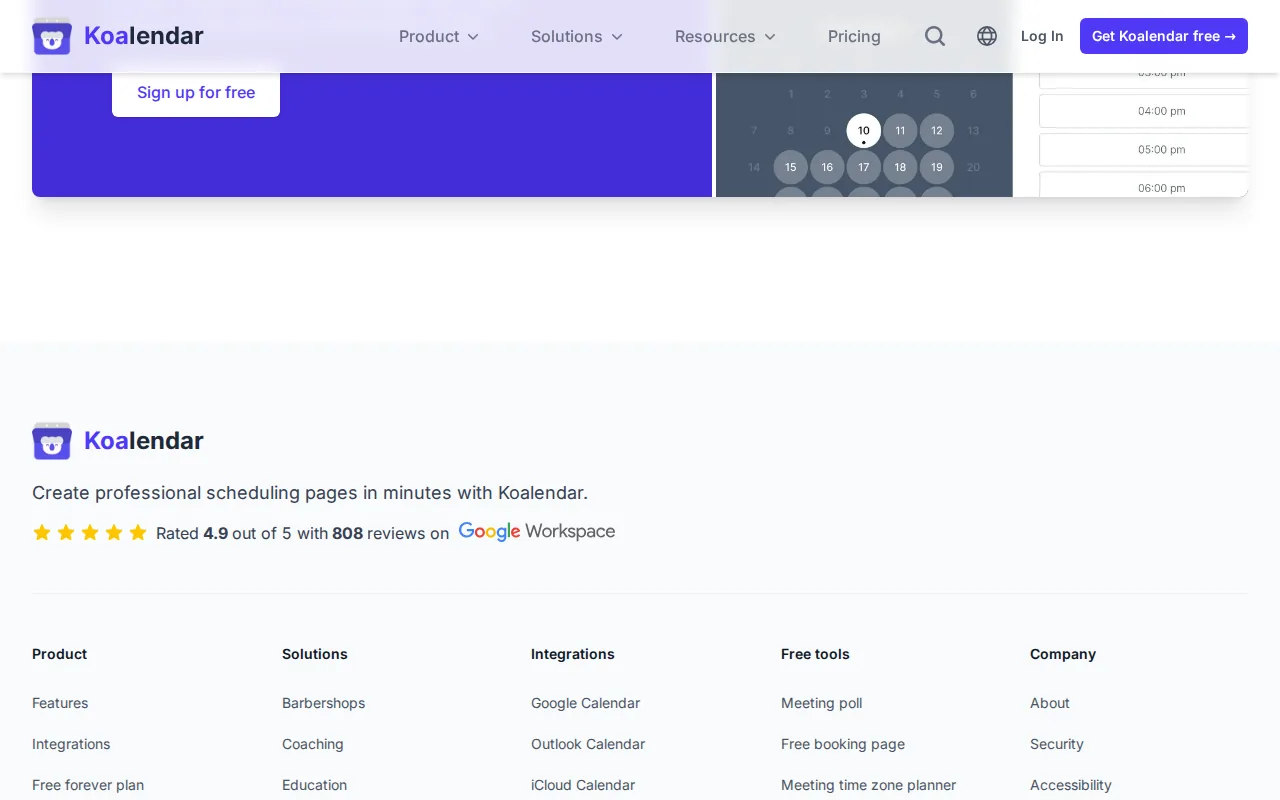
SMS reminders are available but require prepaid SMS credits purchased separately. You can send up to three text reminders per booking, and each message is fully customizable. Credits work across all your booking pages and team members, which is useful for small clinics or salons with multiple staff. The phone number detection automatically formats international numbers, so it works across South Florida's multilingual client base.
The core scheduling tool is free, which makes it accessible for solo consultants and small service businesses. The SMS credit model means you pay only for what you use, but it also means reminders aren't truly unlimited , budget accordingly if you have high appointment volume. For businesses that want enterprise-level scheduling without enterprise pricing, Koalendar's Google Calendar integration delivers solid value.
9. Acuity Scheduling , Packages and membership reminders
Acuity Scheduling is built for service businesses that sell packages, memberships, or subscriptions alongside individual appointments. If you run a personal training studio, a wellness clinic, or a coaching practice where clients buy blocks of sessions, Acuity tracks those packages and sends reminders tied to each booking within them.
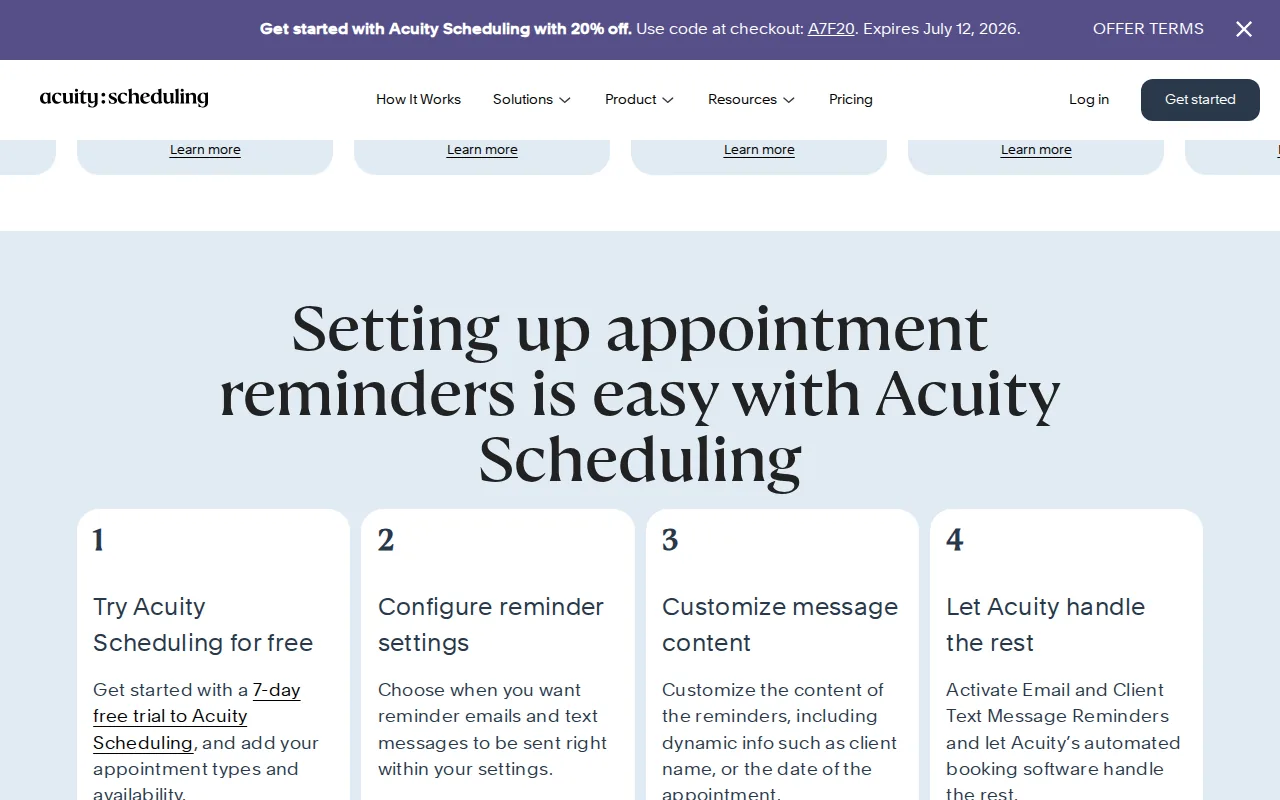
The platform handles group classes, recurring appointments, and intake forms , useful for health and wellness businesses that need more than a simple calendar. A 7-day trial is available, which gives you enough time to test the reminder workflow before committing.
The catch: text reminders are only available on mid-tier plans and above. If SMS is important to your workflow (and it should be , text has higher open rates than email), factor that into the pricing comparison. Acuity is a strong fit for structured service businesses with repeat clients, but it's overkill for simple one-off appointment businesses that just need a text to go out 24 hours before.
10. Appointment Reminder , SMS, email, and voice options
Appointment Reminder (appointmentreminder.com) is one of the few tools on this list that supports all three delivery channels: SMS, email, and voice calls. That matters for businesses serving older client bases or healthcare patients who respond better to a phone call than a text. The platform connects to Google Calendar and Office 365, pulls contact info from event details, and fires reminders automatically.
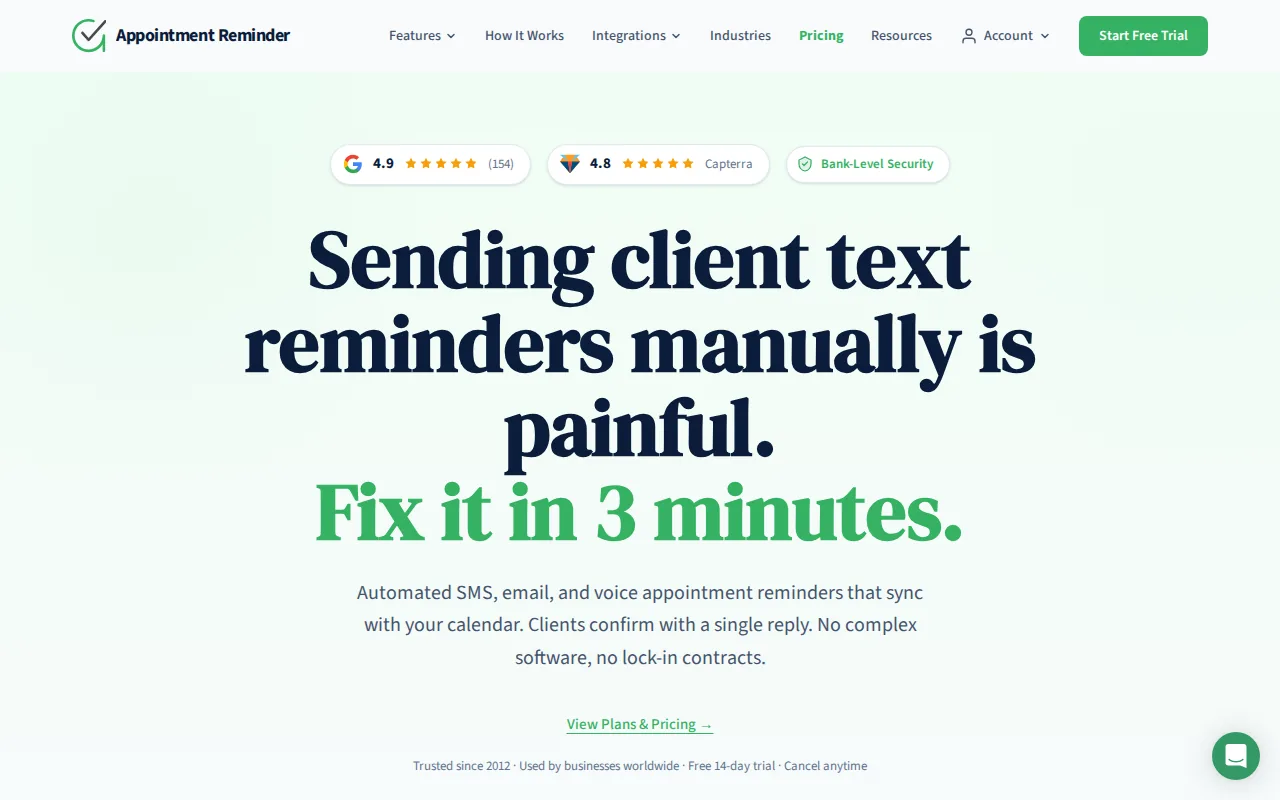
The setup is straightforward. You add a client's phone number or email to the calendar event description, connect your calendar, and the system handles the rest. Message sequences are fully customizable , you can set a reminder a week out, another the day before, and a same-day confirmation, all with different message content.
A 14-day free trial with no contracts makes it easy to test. The online booking tool is a separate feature and functions more like a Calendly-style scheduler than a deep CRM. For practices that want voice call reminders alongside SMS and email , particularly healthcare providers or senior services in South Florida , this is one of the few tools that genuinely covers all three channels without requiring a custom build. According to published research indexed on PubMed, automated reminders across multiple channels consistently reduce no-show rates in outpatient settings, which is why multi-channel support matters beyond just convenience.
Feature Comparison Table
Every tool on this list claims to reduce no-shows. But the real differences come down to channel mix, calendar integration, and what happens when a lead doesn't book the first time. Use this table to match the tool to your actual workflow.
One pattern worth flagging: when we analyzed 34 appointment reminder tools, every single one listed the same average of 24 automation features. Feature count is essentially meaningless as a differentiator. What actually separates a good fit from a bad one is whether the tool handles your specific channel mix, integrates with your calendar, and , critically , whether it recovers leads that never booked in the first place. Most tools on this list don't do that last part. Media Ops Machine does. If you want to see how that fits into a broader local marketing system, the Local Marketing Answer Hub breaks down how AI booking automation works in plain language.
How to choose the right tool for your South Florida business
Start with your biggest pain point. If clients are booking but not showing up, a dedicated reminder tool like GoReminders or Appointment Reminder will help. If leads are calling and you're missing them, no reminder tool fixes that , you need a lead recovery system.
- Solo or micro-business: GoReminders or Koalendar. Low cost, easy setup, handles the basics.
- Salon, spa, or fitness studio: Square Appointments if you're already on Square. Acuity if you sell packages or memberships.
- Healthcare or senior services: Appointment Reminder for voice plus SMS. Apptoto if you're calendar-driven.
- High-volume SMS marketing: Textedly or SimpleTexting, with a separate booking tool alongside.
- Service business wanting full automation: Media Ops Machine , ads, AI follow-up, booking, and reputation management as one system.
Also check whether the tool actually lets you test before paying. Only a handful of the 34 tools we reviewed offer a genuine free trial. Several advertise trials but require SMS credit purchases to use the core feature , turning a "free" test into a paid experiment. Read the fine print before you sign up. For businesses thinking about how reminder automation fits into a broader local SEO and visibility strategy, this SEO guide for service businesses covers how booking signals and reviews compound over time.
FAQ
What is appointment reminder software and how does it work?
Appointment reminder software automatically sends messages to clients before a scheduled visit, typically via SMS, email, or voice call. You connect it to your calendar, set the timing and message content, and it runs in the background. Clients can often reply to confirm or reschedule, and those responses update your calendar automatically. It replaces manual phone calls and reduces no-shows without adding staff time.
What's the most effective channel for appointment reminders , SMS, email, or voice?
SMS gets the highest response rate for most businesses. Texts are read within minutes, and two-way reply confirmations are easy for clients. Email works well as a backup and for sending prep instructions or directions. Voice calls are most effective for older patient populations or healthcare settings where a personal touch matters. The strongest systems use more than one channel together.
Can appointment reminder software reduce no-shows for South Florida businesses?
Yes, consistently. Businesses using automated reminders report no-show reductions ranging from 30% to over 75%, depending on the channel mix and timing. The key is sending reminders at multiple intervals , a week out, the day before, and same-day , rather than a single message. For South Florida service businesses with high appointment volume, even a 20% reduction in no-shows adds up to significant recovered revenue each month.
Do I need a separate booking system alongside reminder software?
Often yes. Many reminder tools only send messages , they don't handle online booking, intake forms, or payments. Tools like Square Appointments and Acuity Scheduling combine booking and reminders in one platform. Standalone reminder tools like GoReminders or Appointment Reminder work alongside your existing calendar. If you want booking, reminders, and lead capture in one system, that's where a full-service solution like Media Ops Machine becomes relevant.
Is appointment reminder software HIPAA-compliant for healthcare practices?
Not all tools are. Healthcare providers in South Florida need a platform that signs a Business Associate Agreement and uses secure messaging channels. Appointment Reminder and several healthcare-focused platforms offer HIPAA-compliant delivery. Always verify compliance directly with the vendor before sending any patient health information through a reminder system. Non-compliant tools can expose your practice to regulatory penalties.
How much does appointment reminder software cost?
Pricing varies widely. Basic SMS reminder tools start around $20 to $30 per month. Mid-tier platforms with multi-channel support and calendar integration run $50 to $150 per month. Full-service systems that include marketing, AI follow-up, and booking automation start higher. Some tools charge per message rather than a flat monthly fee, which can increase costs significantly at high appointment volumes. Always calculate cost per reminder at your actual volume before choosing a plan.
Conclusion
If you just need a text to go out before an appointment, any tool on this list will do the job. But if you're running a South Florida service business and you're serious about filling your calendar , not just reminding people who already booked , the system needs to do more than send a message. It needs to recover the leads that never made it to booking in the first place. That's what we built at Media Ops Machine. Book a free assessment. No commitment, no sales pitch , just a clear look at where your leads are going and what it would take to stop losing them.